Operation: Free the Flock
Every chicken deserves a way home.
A canal city is asleep. Behind its locked gates, a flock is waiting. Take the wheel of a rescue bus, find a way inside, and bring them home.
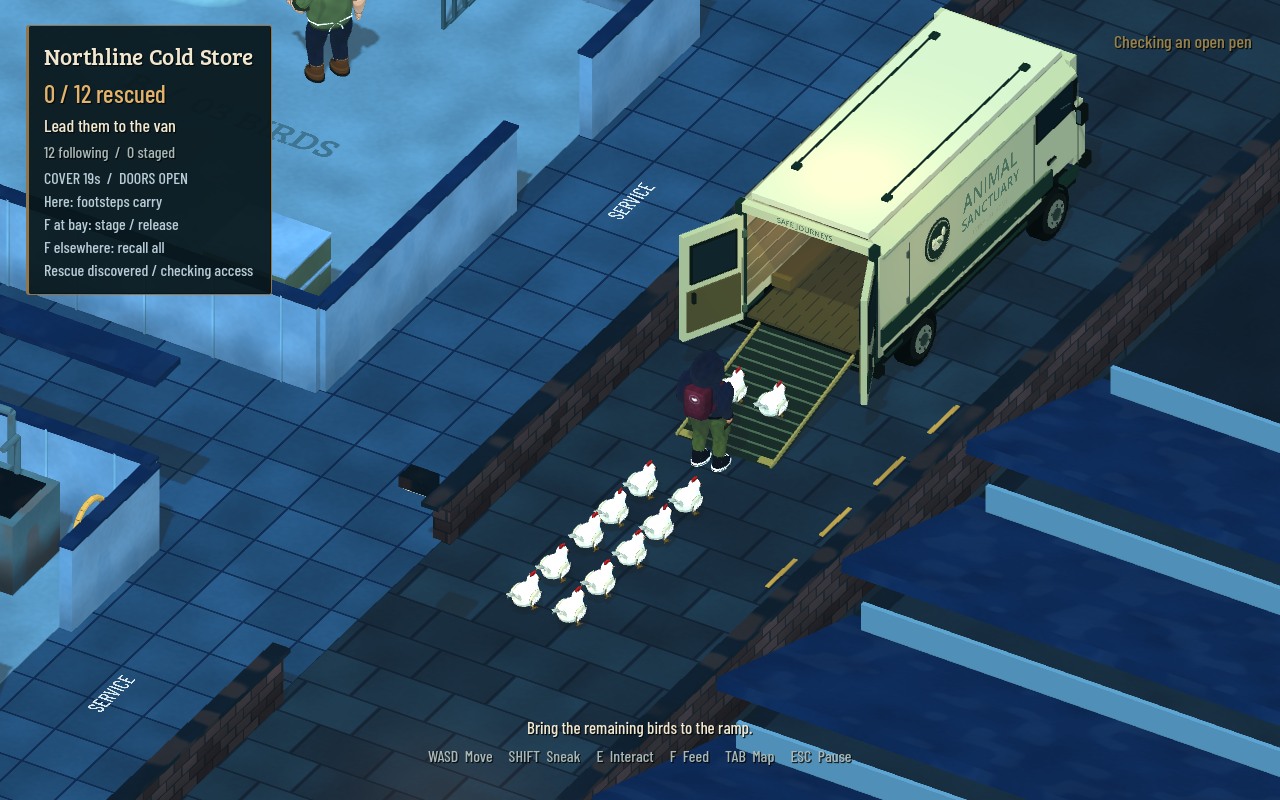
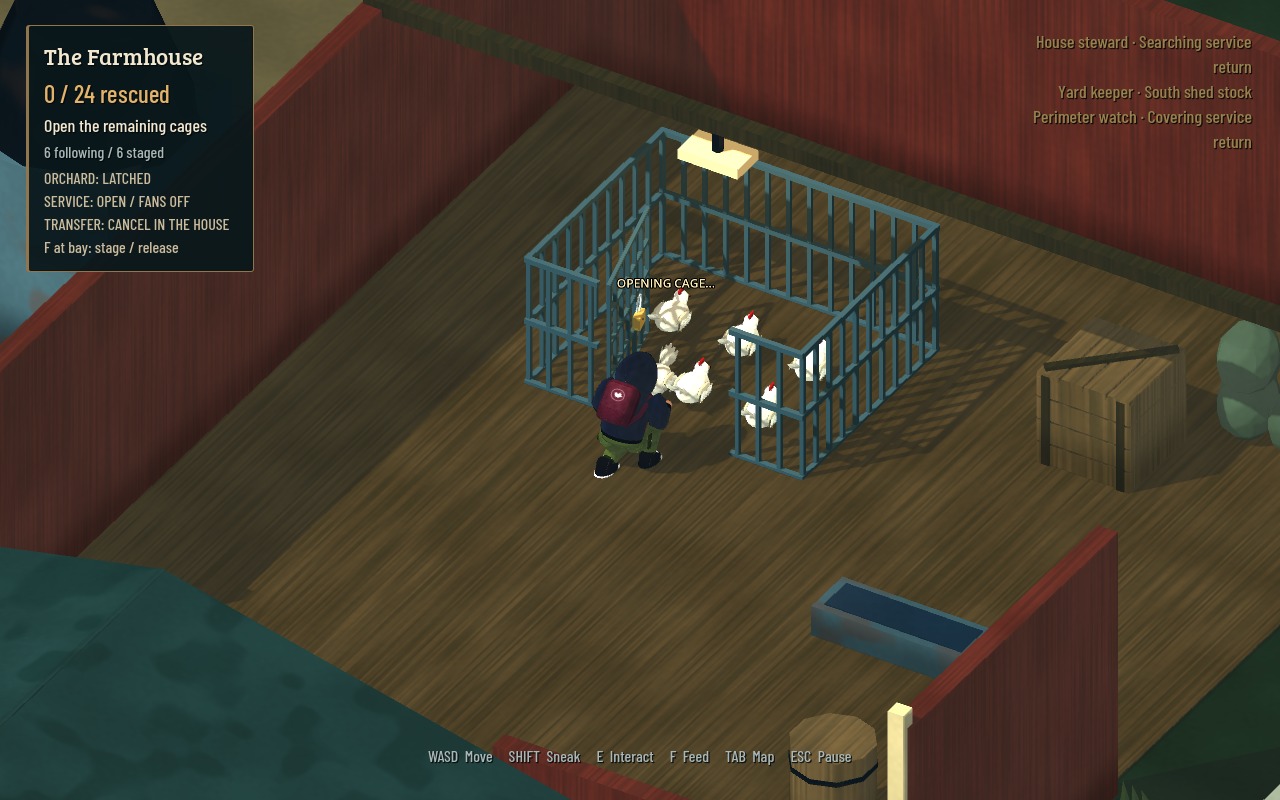
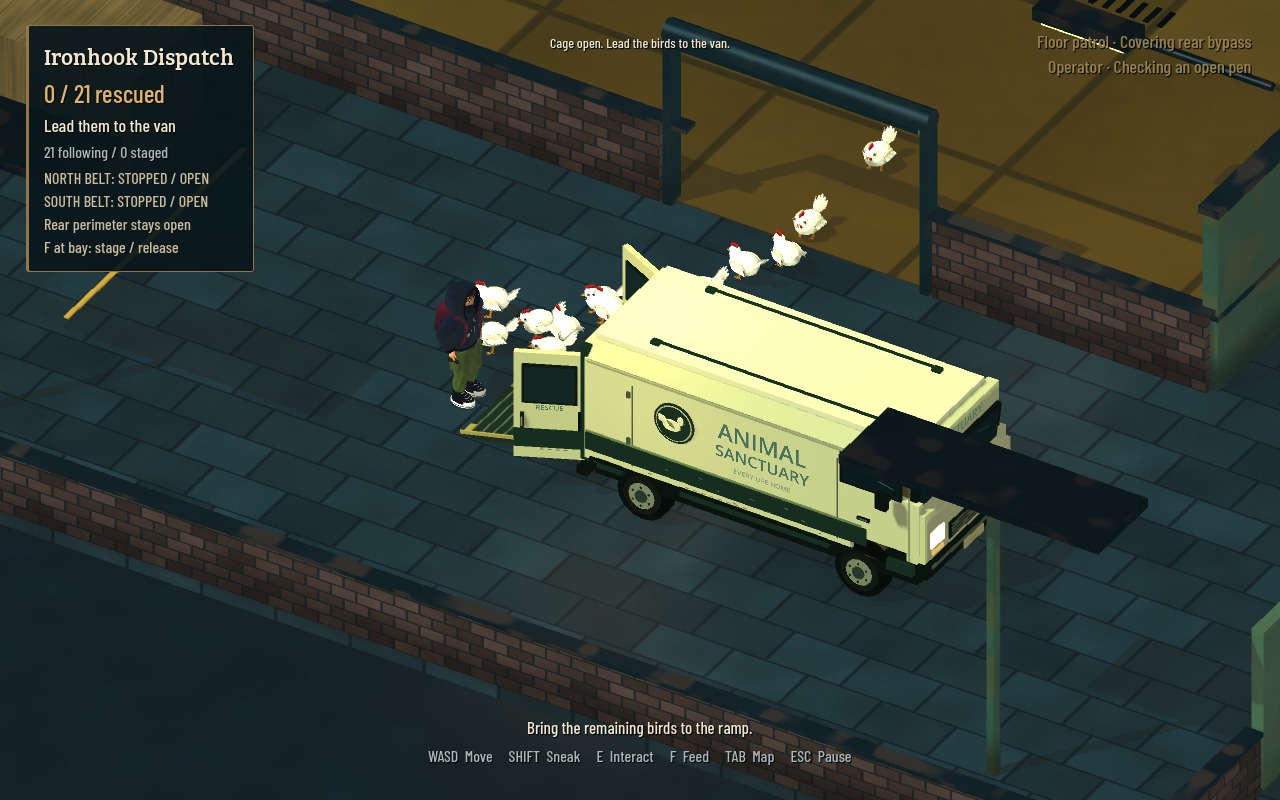
Operation: Free the Flock is a single-player rescue adventure by OddJolt. Explore the city at night, plan your route with the Road Atlas, park outside guarded sites, and cut the security gates. Sneak past patrols, open the pens, and lead every bird onto the bus. Then drive back to the animal sanctuary and watch your passengers settle into their new home.
New in the city update
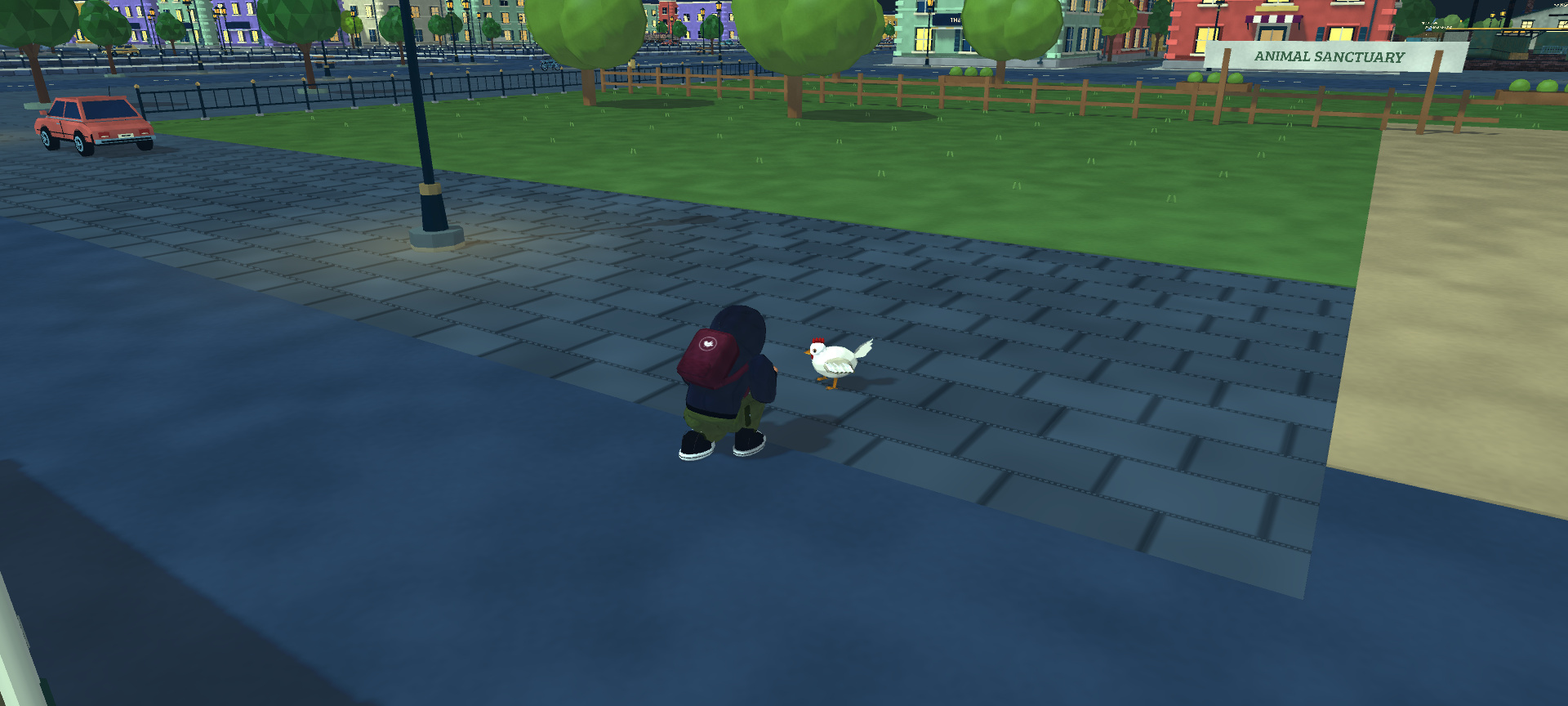
- Your first passenger: a new campaign begins with one nervous hen. Offer a little feed, earn her trust, and lead her up the bus ramp.
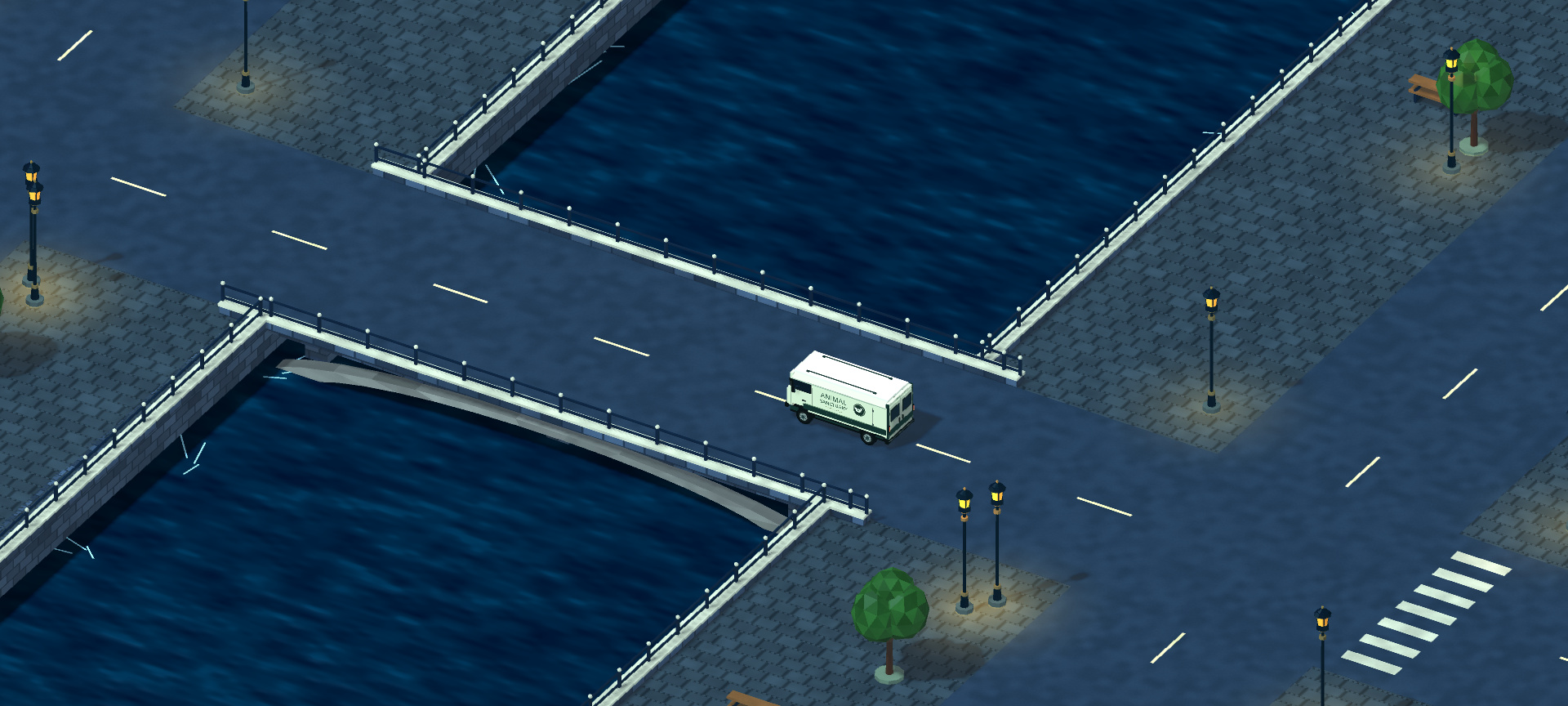
- A city to explore: bridges, canals, named shops, parked cars and bicycles, warm windows, and several camera views.
- Drive the whole rescue: choose a destination on the Road Atlas, park at its gate, collect the flock, and deliver them to the sanctuary.
- A radio for the road: three original instrumental tracks, with a mute toggle and station control.
- Controls that fit: WASD or arrow-key movement, remappable keyboard controls, and separate Easy, Normal and Hard campaign saves.
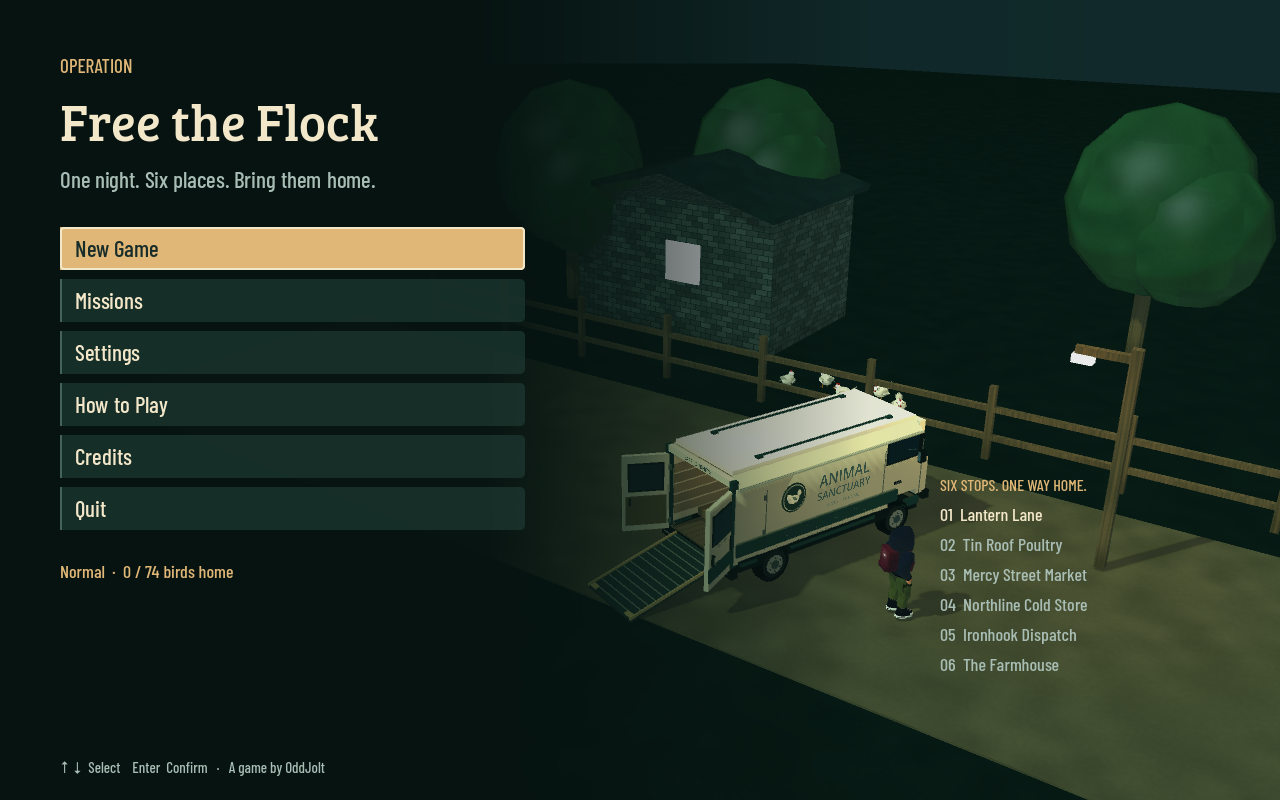
Six raids hold 74 mission birds: Lantern Lane, Tin Roof Poultry, Mercy Street Market, Northline Cold Store, Ironhook Dispatch and The Farmhouse. Later sites add machinery, feed bays and more guards to work around. Every rescued bird must physically board before you can leave. Completed sites stay secured.
Play free in your desktop browser above, or download the Mac version below. The launcher also includes the new 44-second gameplay trailer.
Default controls
- WASD / arrow keys: move; accelerate, reverse and steer while driving.
- Shift: hold to sneak. C: toggle sneak.
- E: interact, enter or leave the bus. Hold E at a security terminal or cage lock.
- F: feed; use mission feed bays to stage or release birds, or recall staged birds away from a bay.
- M / Tab: Road Atlas in the city; scout the mission map during a raid.
- V: city camera. Mouse wheel: camera zoom. Space: brake while driving.
- T: radio on/off. Y: next station.
- Esc: pause. R: restart the current raid.
Change keyboard bindings and audio levels in Settings. Each difficulty keeps its own save. The First Passenger opening appears when you start a new campaign; existing progress is preserved. The browser and Mac versions keep separate local saves.
Mac download
Download Free-the-Flock-macOS-1.1.1.zip, unzip it, and open Free the Flock.app. The universal Mac package includes Apple Silicon and Intel builds. It has been tested on Apple M4; Intel performance has not been verified.
The Mac app is ad-hoc signed and is not Apple-notarized, so macOS may ask you to approve its first launch. See Apple’s app-opening guidance.
Built in Godot with painted low-poly environments, animated characters, original music and effects. Development used AI assistance for code and text. Trailer footage comes from the game, with cinematic camera work and isolated capture saves.
Download
Install instructions
Mac version 1.1.1
- Download Free-the-Flock-macOS-1.1.1.zip.
- Unzip it, then move Free the Flock.app to Applications and open it.
The app is ad-hoc signed and is not Apple-notarized. If macOS blocks the first launch, follow Apple’s instructions for opening an app from an unknown developer.
Move with WASD or the arrow keys. E interacts or enters/leaves the bus; hold E at terminals and locks. F feeds, Shift sneaks, M/Tab opens the map, and Esc pauses. Change bindings in Settings.
Existing Mac saves are kept. Start a new campaign to meet your First Passenger. The browser version keeps a separate save in that browser.
Development log
Leave a comment
Log in with itch.io to leave a comment.